

Hytale Circles, Spheres & Domes Guide
Choose exact width, height, and thickness before placing blocks; mark the center axes; generate the shape; build one quadrant or layer at a time; mirror the repeated pattern; and inspect from several distances. Odd dimensions have a single center block, while even dimensions have a center seam, so decide intentionally.
Voxel curves are stair-step approximations. A good circle is not made by adding random blocks until it looks round; it is a repeatable sequence of runs whose symmetry creates the visual curve.
The HyTools Shape Generator turns dimensions into a top-down plan and layer-by-layer build guide, which is especially useful when the structure is too large to memorize.
1. Choose the shape for the structure
Use a circle for floors, towers, arenas, and radial plans. Extrude it vertically for a cylinder. Use a sphere for a full globe, a dome for a roof or cavern, and a ring when only the outline or band is needed.
Decide whether the shape is a shell or solid. A solid sphere can require far more material and interior work than a one-block shell.
2. Understand odd and even dimensions
An odd width such as 21 has one central column. An even width such as 20 has a two-block center seam. Both are valid, but entrances, roads, statues, and internal rooms align differently.
If a doorway must sit exactly on the center line, choose dimensions with that relationship in mind before building the foundation.
3. Mark center lines and bounding box
Place temporary blocks along the north-south and east-west axes, then mark the outermost points. For a dome or sphere, also mark the vertical center or base plane.
The bounding box catches mistakes immediately. If an edge exceeds the planned width, the error is easier to fix before several layers repeat it.
4. Read the circle as repeated runs
A voxel curve is a sequence such as several blocks straight, one step inward, then another run. Build the first quadrant and mirror it rather than improvising all four sides independently.
Check the total width after each major segment. One extra block in a run can shift every following point and make opposite sides fail to meet.
5. Build spheres and domes by layers
Each horizontal layer is a circle with a different diameter. Follow the generated layer order and mark completed layers. The transition near the widest part is where skipped or duplicated layers are most noticeable.
For a hollow shell, keep thickness consistent. If you want a flat floor or opening, define the cut plane before starting so the lower layers are not wasted.
6. Estimate materials and stage them
Use the generator's block count as a planning estimate, then add a small margin for scaffolding, substitutions, and mistakes. Split very large builds into phases so the entire project does not depend on one material delivery.
Use contrasting temporary blocks for axes and layer numbers. Remove them only after the final symmetry check.
7. Combine the plan with Creative Mode tools
The official Creative Mode overview describes brushes, prefab tools, and copy/paste workflows. These can accelerate repeated sections, but a precise source shape is still essential; copying a flawed quadrant multiplies the flaw.
Save reusable sections as prefabs where appropriate, and inspect the result after rotations or mirroring to catch orientation issues.
8. Review from near and far
Inspect the silhouette from the ground, from above, and at the distance players will normally see it. A mathematically consistent curve can still need architectural detailing to fit walls, roofs, or terrain.
Use lighting and material changes to emphasize the intended outline instead of hiding structural errors.
Use these HyTools utilities
Continue with the browser tools referenced in this guide. No account or installation is required.
Shape Generator
Generate circles, ellipses, squares, rectangles and triangles for Hytale builds with a live voxel grid and row-by-row building guide.
Prefab Material Analyzer
Analyze a Hytale .prefab.json, exclude terrain, merge block variants, track materials and follow a practical layer-by-layer building guide.
Farming & Essence Planner
Find the best Hytale crop for your bench tier and calculate cycles, seed costs, expected Essence profit, goal time and workbench upgrades.
Frequently asked questions
Should a Hytale circle use an odd or even diameter?
Either works. Odd diameters have one center block; even diameters have a center seam. Choose based on how doors, paths, and interior rooms must align.
What is the easiest way to build a sphere?
Generate it as horizontal layers, mark the center and widest layer, and complete one layer at a time. Avoid improvising the profile from the side.
How many extra blocks should I collect?
Use the generated count as the base and keep a reasonable margin for scaffolding, replacements, and design changes. The margin depends on size and material availability.
Sources and further reading
Technical facts are checked against official Hytale material when available. Product behavior can change, so verify critical production changes in the current official documentation.
Article image: official Hytale media, © Hypixel Studios. Hytale Media
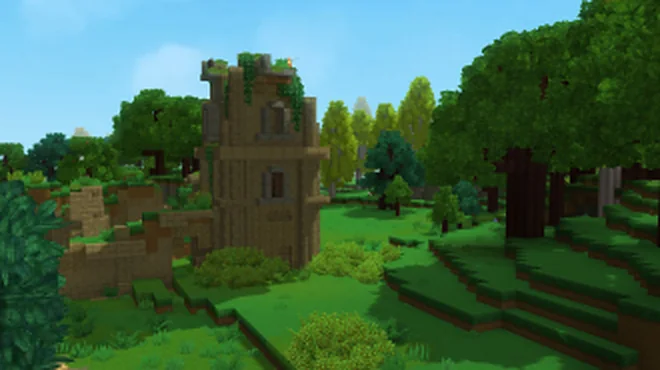
How to Set Up a Hytale Server: Files, Java, Memory, and First Launch
A practical path from an empty folder to a maintainable Hytale server, with the decisions that matter before players connect.
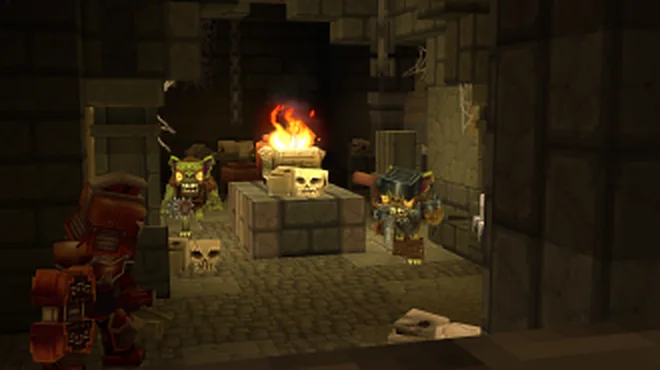
Hytale Server Port Forwarding and Firewall Guide
A safe, layer-by-layer method to make a local Hytale server reachable without disabling protection or exposing unnecessary services.
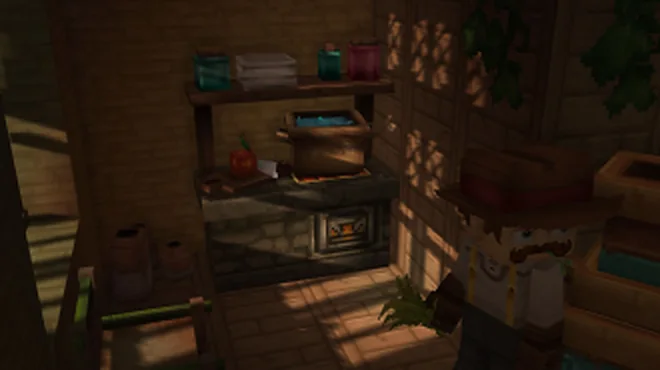
Where to Find Hytale Logs and How to Analyze Them
Turn a long log into evidence: locate the right file, preserve context, identify the first meaningful failure, and share only what support needs.