
Hytale Server Name, MOTD & Branding Guide
Start with a one-sentence player promise, choose a short distinctive name that is easy to pronounce and search, define three personality traits, build a restrained palette and visual direction, write a plain-language MOTD that states the experience and current status, and reuse the same voice in rules, announcements, website, and server listings.
A logo cannot compensate for an unclear server concept. Players first need to understand what they can do, who the community is for, and why this server is different.
Branding is the consistent translation of that promise into name, words, visuals, rules, events, and staff behavior.
1. Write the player promise first
Complete one sentence: 'This server helps players experience ___ through ___.' Mention the dominant play style and the distinctive system, rhythm, or community value.
Avoid trying to be survival, hardcore, roleplay, minigames, competitive, casual, and everything else in the same sentence. A clear initial position can expand later.
2. Choose a name that can be remembered and found
Prefer a compact name with clear pronunciation in your main community languages. Say it aloud, ask someone to spell it, and search for identical communities, domains, social handles, and trademarks before committing.
Generic combinations can describe the game but are hard to own. A distinctive coined word or meaningful pairing usually creates stronger recall.
3. Define voice and personality
Select three traits such as adventurous, welcoming, and organized. Then define what the brand is not: for example, not childish, not aggressive, and not bureaucratic.
Use these traits to review every message. A welcoming server can still enforce rules firmly; clarity and consistency build more trust than forced jokes.
4. Build a restrained visual system
Choose a primary, secondary, and accent color with sufficient contrast. Define typography, icon style, image treatment, and when the logo may appear. Test at small sizes before adding detail.
Use the HyTools Server Identity Builder to generate names, palette directions, and positioning ideas, then refine rather than accepting the first random result.
5. Make the MOTD useful, not only decorative
A good MOTD quickly states the server type, differentiator, and current call to action or status. The official config supports a native text value; keep it readable and do not depend on unsupported formatting.
Use specific benefits such as 'seasonal RPG with cooperative dungeons' rather than empty superlatives like 'the best server ever'. The MOTD generator can prepare and validate a concise value.
6. Make rules sound like the same community
Rules should explain expected behavior, prohibited actions, enforcement logic, and how to appeal. Avoid switching from a friendly public voice to an opaque or hostile rules document.
Use the Rules and Moderation Builder to create a reviewable policy, then adapt it to actual staff capacity and local legal requirements.
7. Repeat one message across the launch
Your announcement, Discord description, website hero, server listing, and social posts should use the same promise and vocabulary. Repetition builds recognition; contradictory claims create doubt.
Prepare several formats from one source message: full announcement, short Discord post, social caption, changelog, and status update.
8. Replace claims with proof
Show screenshots, short clips, event calendars, staff response examples, and real systems. 'Active community' is stronger when paired with a visible schedule or recent activity.
Collect feedback after players join. If people repeatedly misunderstand the server type, the message needs clarification even if the visual design looks polished.
Use these HyTools utilities
Continue with the browser tools referenced in this guide. No account or installation is required.
Server Identity Builder
Generate Hytale server names and build a coherent identity kit with positioning, slogans, descriptions, brand pillars, palette and channel-ready copy.
MOTD Generator
Create a clear Hytale server MOTD, check readability, import an existing config.json and copy or download the correct native text value.
Rules Generator
Create complete Hytale server rules with selectable policy areas, enforcement steps, appeals, versioning and exports for Discord or staff use.
Announcement Generator
Create ready-to-post Hytale server announcements for Discord, WhatsApp, websites and in-game notices with structured templates and optional local AI.
Frequently asked questions
What makes a good Hytale server name?
It is short enough to remember, easy to pronounce, distinct in search, appropriate for the experience, and available across the channels you need. Validate it before investing in artwork.
What should a server MOTD include?
Usually the server type, one clear differentiator, and a current status or call to action. Keep it readable and compatible with the actual config format.
Do I need a professional logo before launch?
You need a consistent and legible identity, but the player promise, stable experience, rules, and communication matter more than a complex logo.
Sources and further reading
Technical facts are checked against official Hytale material when available. Product behavior can change, so verify critical production changes in the current official documentation.
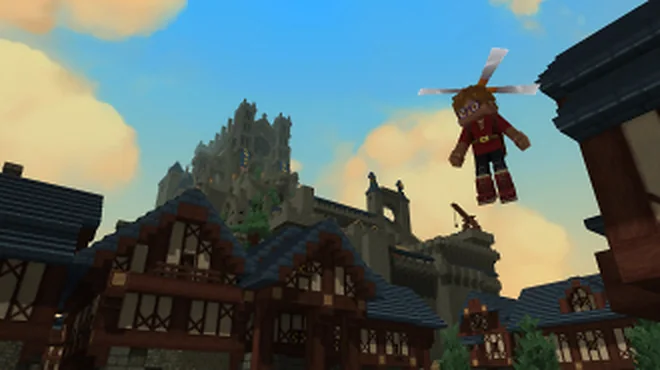
Article image: official Hytale media, © Hypixel Studios. Hytale Media
How to Set Up a Hytale Server: Files, Java, Memory, and First Launch
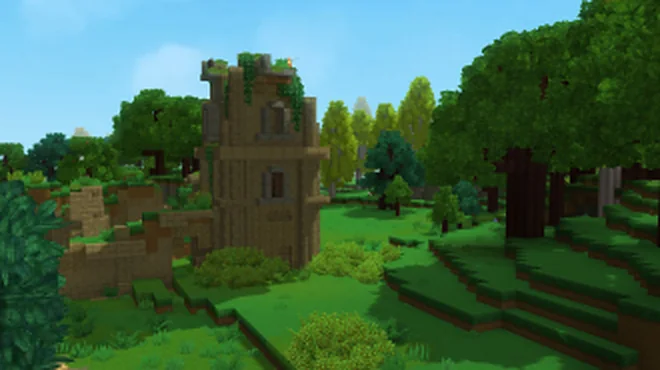
A practical path from an empty folder to a maintainable Hytale server, with the decisions that matter before players connect.
Where to Find Hytale Logs and How to Analyze Them
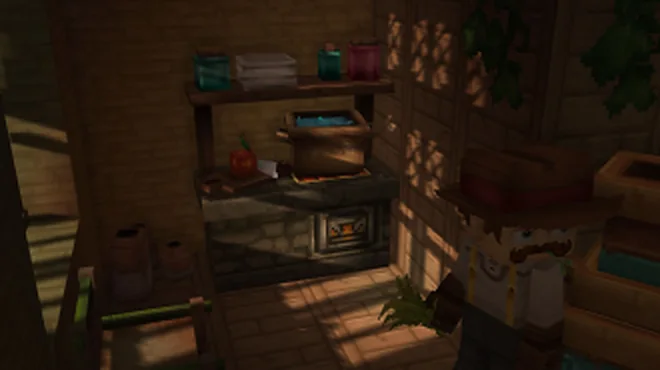
Turn a long log into evidence: locate the right file, preserve context, identify the first meaningful failure, and share only what support needs.
Hytale Server Port Forwarding and Firewall Guide
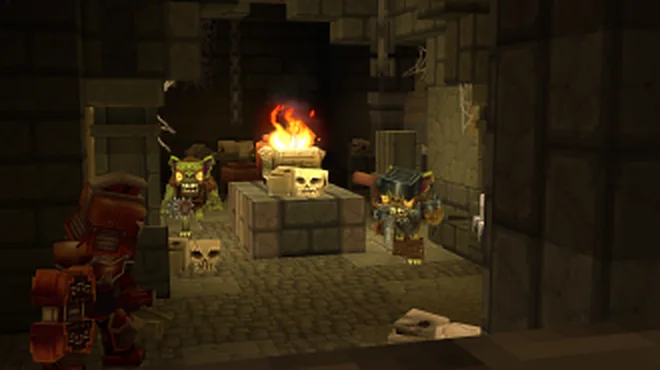
A safe, layer-by-layer method to make a local Hytale server reachable without disabling protection or exposing unnecessary services.